In this episode I cover putting the navigation drawer on the left or the right side of the view. I also show how to programmatically open the drawer using the scaffold state reference. This video covers: - Create a drawer for page reuse - Put the navigation drawer on the left - Put the navigation drawer on the right - Opening the drawer Source code used in this video: https://gist.github.com/branflake2267/87e0a21eff8736a83646ef8c67c1ba6c
Topics Navigation and routing
More like this
 Article 9 min read
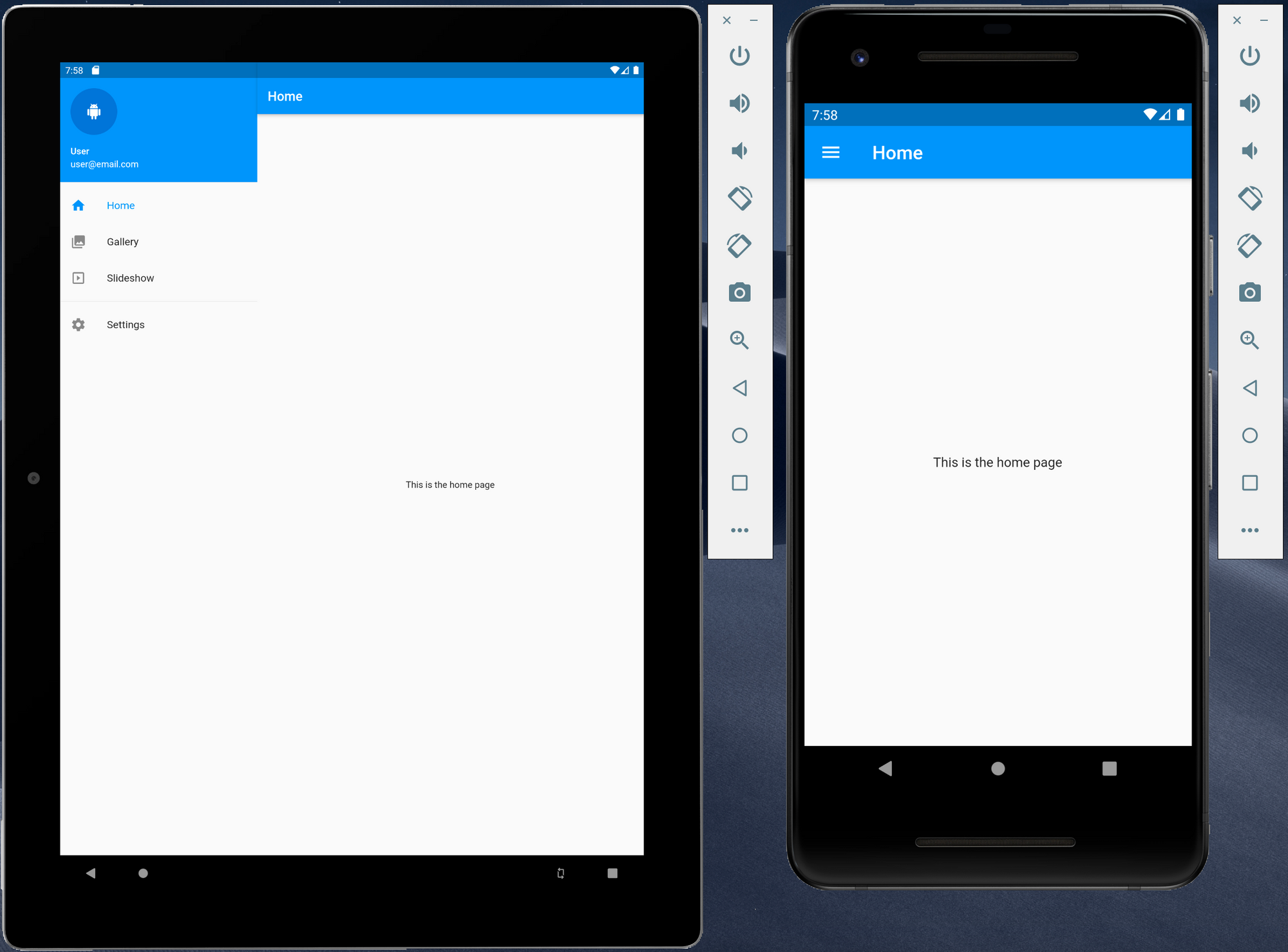
Creating responsive Flutter application using Material Design using a navigation drawer
The navigation drawer is one of the most common ways to provide a user with access to various destinations with an application. As Flutter can now be used to target other platforms...
Read on dexterx.dev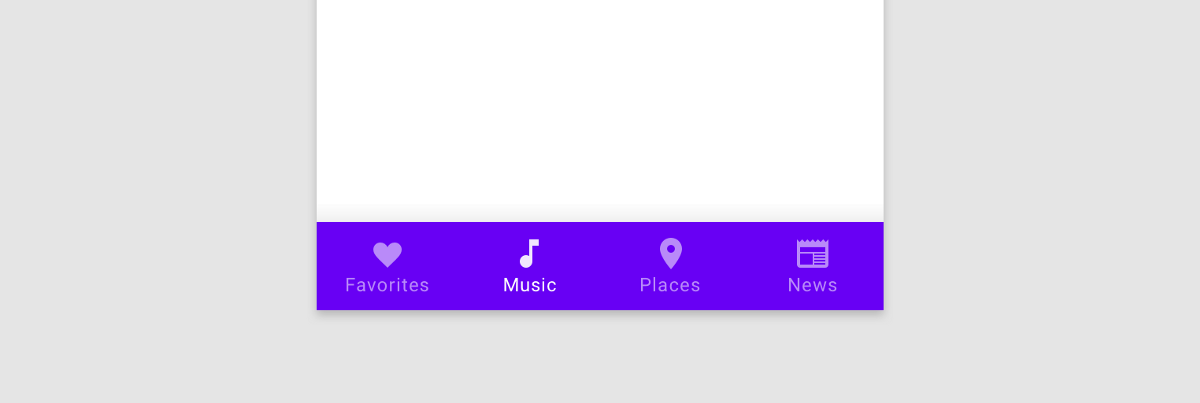 Article 7 min read
Getting to the Bottom of Navigation in Flutter
by Hans Muller
Bottom navigation in mobile apps is popular because our phones keep getting bigger but our thumbs do not. Here’s how to do it in Flutter.
Read on medium.com Video 5 min
How to Build a Bottom Navigation Bar with Nested Routes Using Flutter Go Router
by HeyFlutter․com
Watch on YouTube- Article 9 min read
Integrating Bottom Navigation with Go Router in Flutter
TLDR: This article explores the powerful features of Go Router, a routing library for Flutter. It showcases how Go Router facilitates…
Read on medium.com