How to Build a Bottom Navigation Bar with Nested Routes Using Flutter Go Router
by HeyFlutter․com youtube.com
5 min 21.1k views
Learn how to implement a sleek bottom navigation bar with nested routes in your Flutter app using the Go Router package. This tutorial covers: - Setting up Go Router in your project - Creating a bottom navigation bar layout - Implementing nested routes for each tab - Handling navigation state and deep linking Perfect for Flutter developers looking to enhance their app's navigation structure. Code along to build a professional, scalable navigation system in just a few minutes! Timeline 00:00 Intro 00:06 Installing Go Router 00:10 Creating the Go Router Instance 00:26 Using the StatefulShellRoute 00:58 Creating the Layout Scaffold 01:22 Adding the Bottom Navigation Bar 02:05 Adding the Branches to the Router 02:32 Initializing the Go Router instance 02:51 Adding a Nested Shell Route 03:42 Passing Data to a Nested Shell Route Also Checkout : 👉 Join 12-Week Flutter Training: https://heyflutter.com 👉 Check out the Source Code: https://github.com/HeyFlutter-Public/nested-routes-using-go-router 👉Join the WhatsApp Channel to get the latest news about Flutter & HeyFlutter: https://www.whatsapp.com/channel/0029VaDNCZtC1Fu8nL2vmw3f
Topics Navigation and routing
More like this
 Article 9 min read
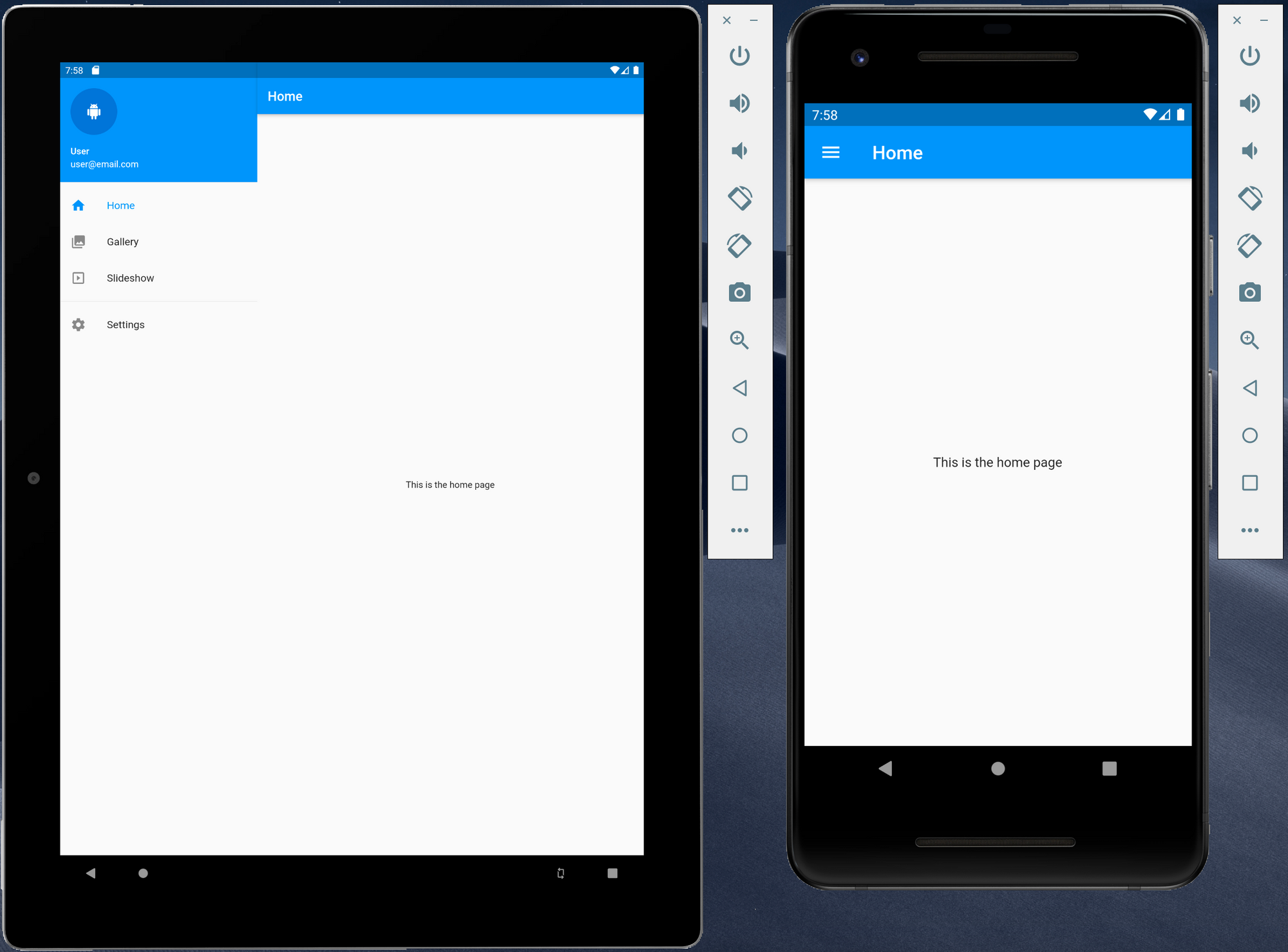
Creating responsive Flutter application using Material Design using a navigation drawer
The navigation drawer is one of the most common ways to provide a user with access to various destinations with an application. As Flutter can now be used to target other platforms...
Read on dexterx.dev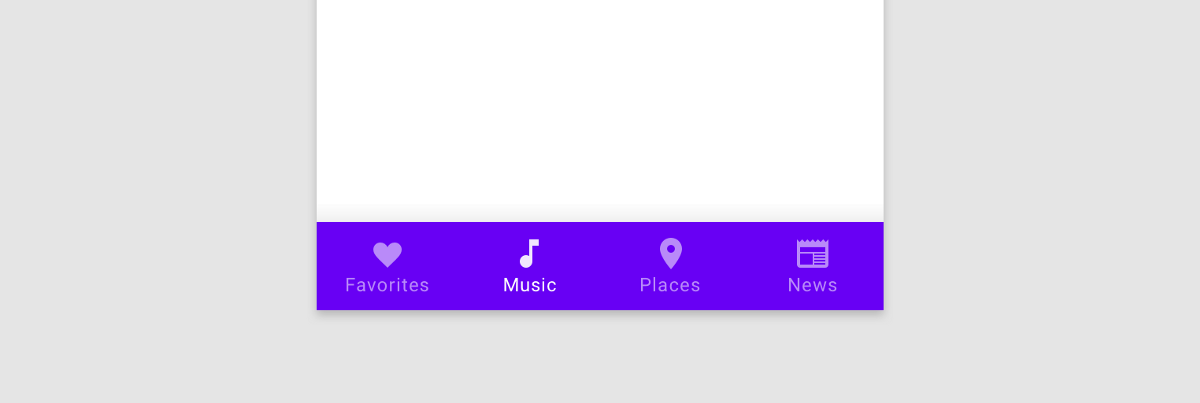 Article 7 min read
Getting to the Bottom of Navigation in Flutter
by Hans Muller
Bottom navigation in mobile apps is popular because our phones keep getting bigger but our thumbs do not. Here’s how to do it in Flutter.
Read on medium.com- Article 9 min read
Integrating Bottom Navigation with Go Router in Flutter
TLDR: This article explores the powerful features of Go Router, a routing library for Flutter. It showcases how Go Router facilitates…
Read on medium.com 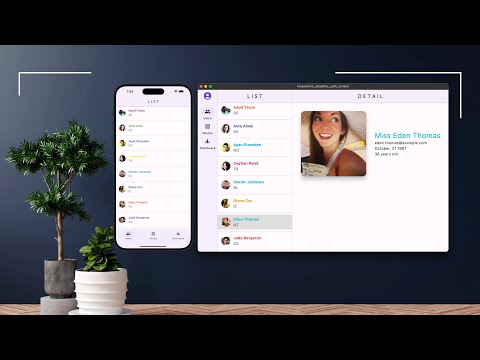 Video 7 min
Flutter Responsive Design Split-Screen: Mobile, Desktop, Web - Section 1 of 5
Watch on YouTube by
Marco Napoli
, on Flutter Pro
Marco Napoli
@marconapoli 🇺🇸 United States
by
Marco Napoli
, on Flutter Pro
Marco Napoli
@marconapoli 🇺🇸 United States
Available for hire
Marco Napoli is the CEO of Pixolini an experienced mobile, web and desktop app developer. He has a proven record in developing visually elegant and simple-to-us...
View Marco on Flutter Pro