ListView with Navigator | Flutter Tutorials
by MrTeetotum youtube.com
13 min 51.9k views
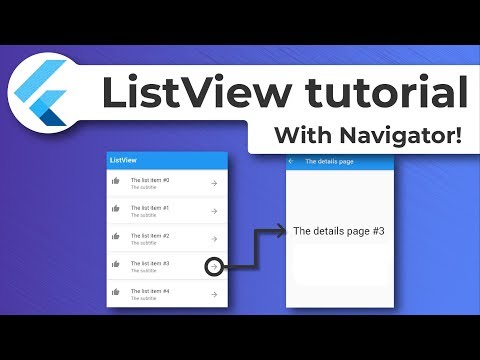
Learn how to create ListView in Flutter with navigation to the second screen! In this tutorial video, you will learn how to create ListView and how to populate it with ListTile widget. Also how to add icons, icons buttons and how to use onPressed functionality to navigate to another screen. If you like to read more, check our tutorial in written form: https://byteinapocket.com/how-to/how-to-listview-flutter-beginner-tutorial/ If you liked this video please hit that like button, leave a comment and subscribe, what would mean a lot!
Topics Navigation and routing
More like this
 Article 9 min read
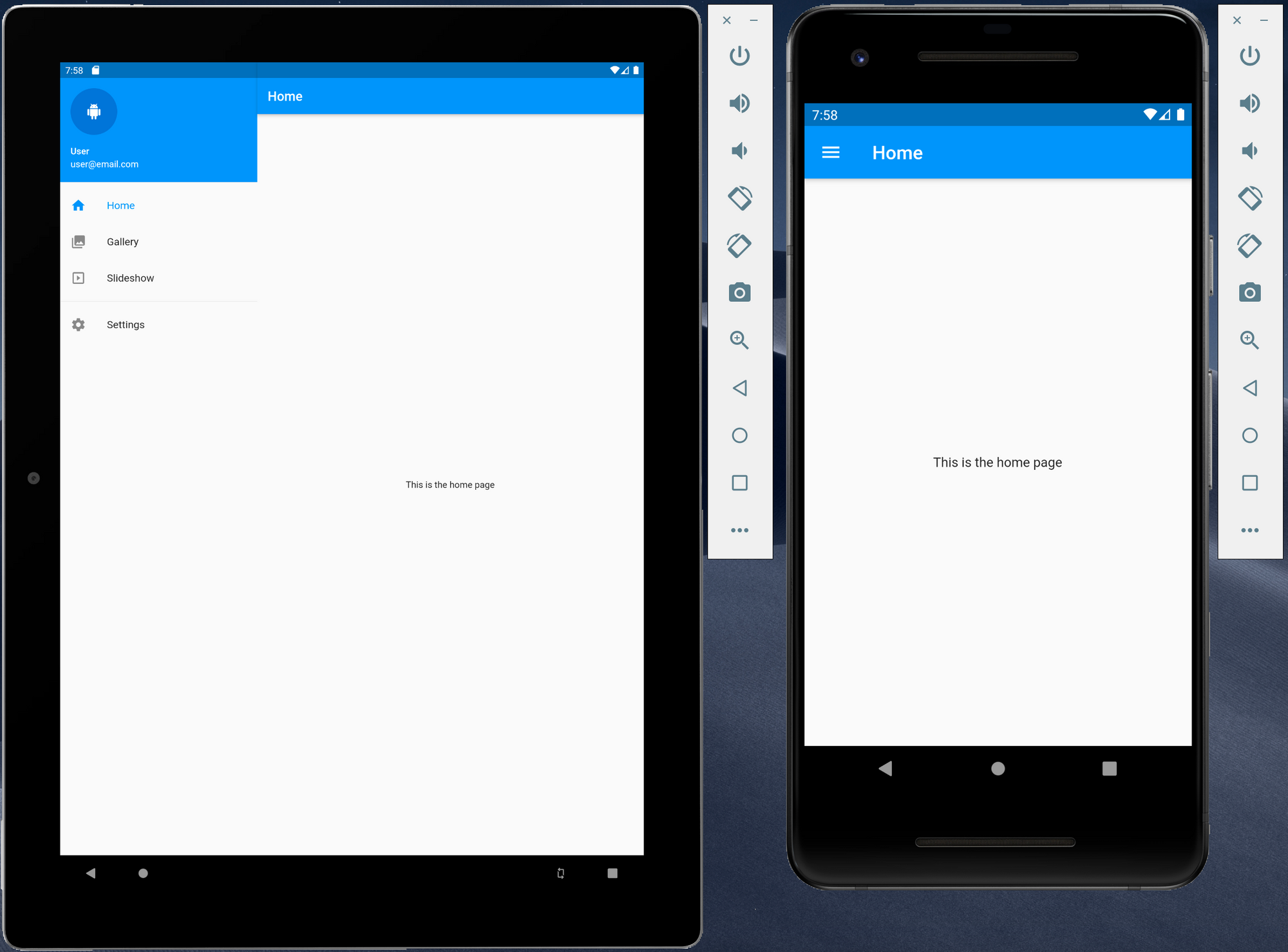
Creating responsive Flutter application using Material Design using a navigation drawer
The navigation drawer is one of the most common ways to provide a user with access to various destinations with an application. As Flutter can now be used to target other platforms...
Read on dexterx.dev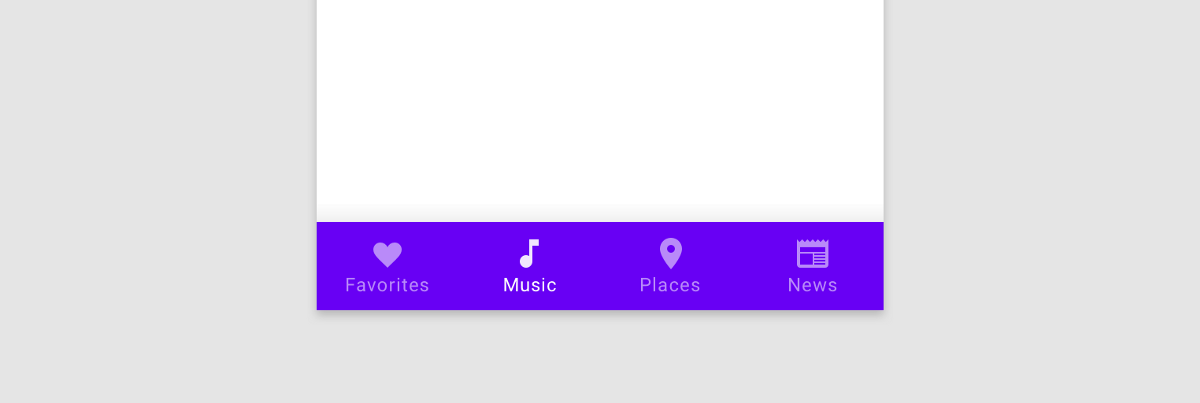 Article 7 min read
Getting to the Bottom of Navigation in Flutter
by Hans Muller
Bottom navigation in mobile apps is popular because our phones keep getting bigger but our thumbs do not. Here’s how to do it in Flutter.
Read on medium.com Video 5 min
How to Build a Bottom Navigation Bar with Nested Routes Using Flutter Go Router
by HeyFlutter․com
Watch on YouTube- Article 9 min read
Integrating Bottom Navigation with Go Router in Flutter
TLDR: This article explores the powerful features of Go Router, a routing library for Flutter. It showcases how Go Router facilitates…
Read on medium.com