
A common task when building application nowadays consists of communicating with a distant server through REST APIs. These APIs often support JSON as a data format for communication through HTTP protocol. I found the task of deserializing data not so obvious in Dart strong mode (used by Flutter), so I decided to present you how we can achieve this in a few steps.
More like this
- Article 19 min read
Dart 2.3.0
The Dart SDK, including the VM, dart2js, core libraries, and more.
Read on github.com  Article
Flutter Custom Paint Tutorial | Draw a Custom Shape Path in Flutter
<p class="image-align-center"><img alt="" height="599" src="http://techscript24.com/admin/UI/assets/img/BlogsImage/Screenshot 2019-01-06 at 1.02.01 AM.png" width="1000" /></p> <p>Flutter is creating a...
Read on techscript24.com- Article 9 min read
Some Options for Deserializing JSON with Flutter
At some point, most apps need to reach out and grab data from an online endpoint. Making an HTTPS get request to pull down a weather report…
Read on medium.com 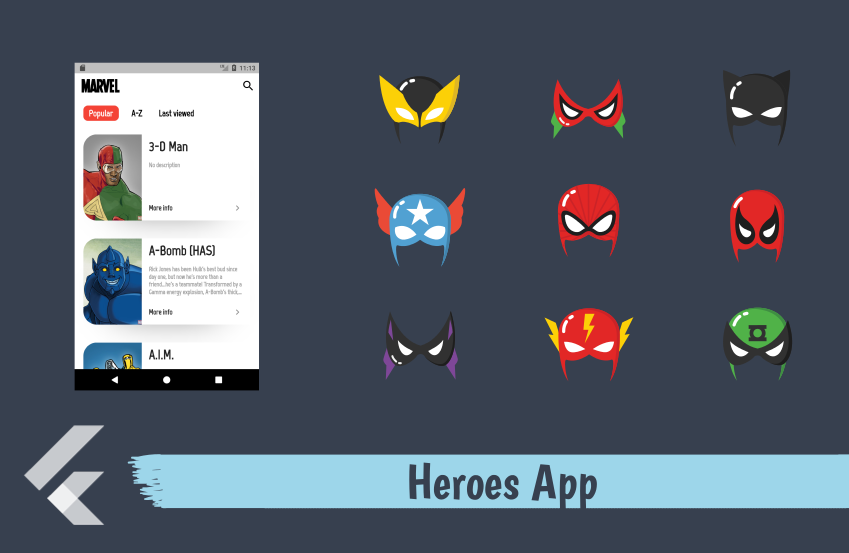 Article 4 min read
Heroes App — Handle sensitive data, API and JSON serialization
If you are keen to know what exactly it goes to build a simple app which displays the result from API call, you have landed at the right…
Read on medium.com