Actions and Shortcuts Widget in Flutter - Keyboard actions For Web & Desktop
by HeyFlutter․com youtube.com
2 min 5.9k views
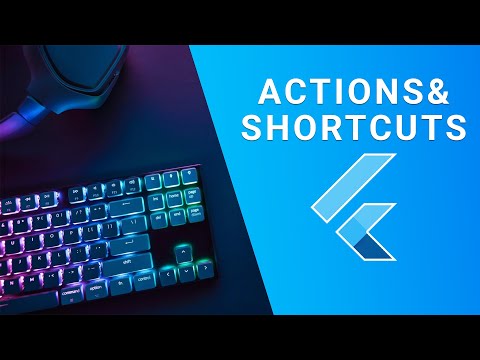
Configure keyboard key shortcuts to perform actions in our Flutter app using Actions and Shortcuts widget. 👉 12 Week Flutter Training | https://heyflutter.com 👉 Flutter Masterclass Courses | https://heyflutter.com/masterclass Source Code: https://github.com/JohannesMilke/flutter_actions_and_shortcuts_widgets Twitter: https://twitter.com/HeyFlutter_ Facebook: https://www.facebook.com/heyflutter Instagram: https://instagram.com/HeyFlutter_ LinkedIn: https://www.linkedin.com/company/heyflutter/ Website: https://heyflutter.com #Flutter #Tutorial #HeyFlutter Thanks For Watching :-)
Topics Flutter on desktop
More like this
 Article 10 min read
Flutter: from Mobile to Desktop
by Marcelo Henrique Neppel
Building applications for smartphones and desktops with the Google framework.
Read on medium.com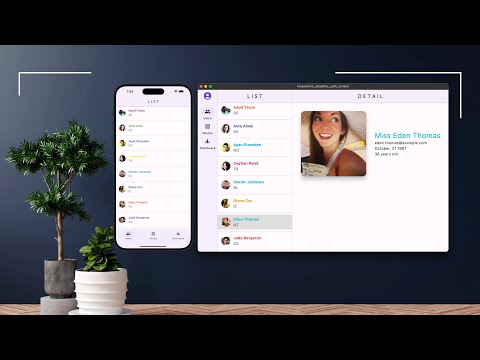 Video 7 min
Flutter Responsive Design Split-Screen: Mobile, Desktop, Web - Section 1 of 5
Watch on YouTube by
Marco Napoli
, on Flutter Pro
Marco Napoli
@marconapoli 🇺🇸 United States
by
Marco Napoli
, on Flutter Pro
Marco Napoli
@marconapoli 🇺🇸 United States
Available for hire
Marco Napoli is the CEO of Pixolini an experienced mobile, web and desktop app developer. He has a proven record in developing visually elegant and simple-to-us...
View Marco on Flutter Pro