
Show an "update ready" banner in your Flutter app (OTA updates)
by Overpush dev.to
2 min read
When you ship over-the-air (OTA) updates to a Flutter app, the update downloads in the background and runs at the next launch. By default users see nothing, which is usually what you want. But sometimes you do want to tell them, for example: "New update downloaded. Restart the app to apply it." OverPush doesn't draw any UI itself. It sends events, and your app shows them in its own design. Here's…
More like this
 Article 11 min read
How to show a Firebase AdMob banner ad in Flutter
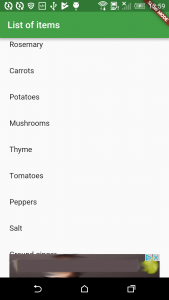
Love them or hate them, ads are a common way for indie app developers to make money from their apps. So, how can you display a banner ad in your Flutter app? If you search Flutter packages for “ad”, t...
Read on cogitas.net Article 12 min read
Add Ads to Your Flutter App.
by Greg Perry
A Flutter Library to Add Ads to Your App.
Read on proandroiddev.com- Package
Vanethos/flutter_version_banner
A banner that shows the current version or flavour of the app
View on github.com


