
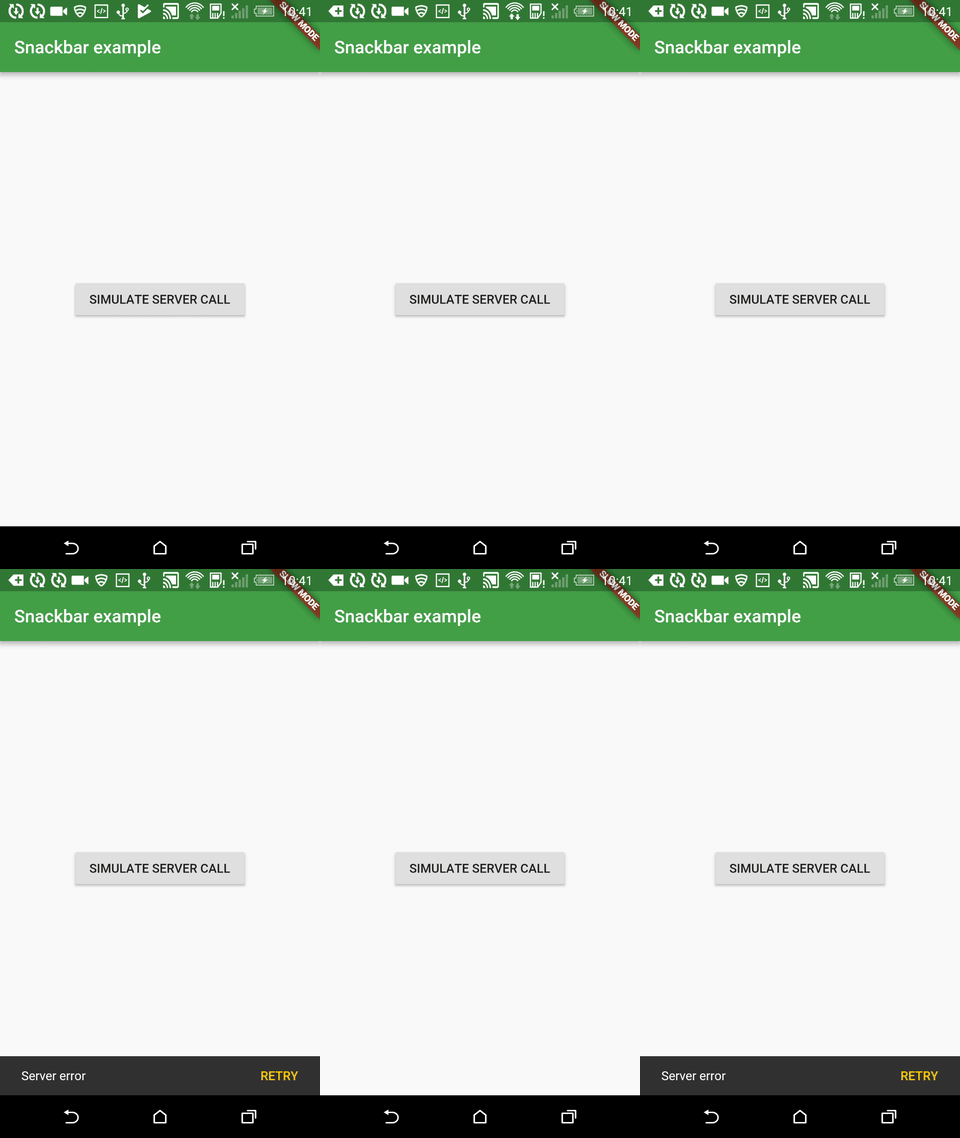
Material Design’s Snackbars are a great way to give feedback to users, and even allow them to undo or retry an action. So, how do you display a Snackbar in Flutter? If you create a Material App in Flutter, you will use a Scaffold. In the Scaffold.of documentation, there are examples to show a Snackbar. … Continue reading "How to show a Snackbar in Flutter"
More like this
 Article 6 min read
Beautiful Snackbar on Flutter (without Scaffold)
Quick information messages, error messages, warning messages… Notifying users about certain actions is a must in the world of mobile apps. One of the best and the most streamlined ways of sho…
Read on resocoder.com Article 2 min read
Display SnackBar at the top in Flutter apps
In this article we will discuss about how to add snackbar at the top in our flutter apps
Read on medium.com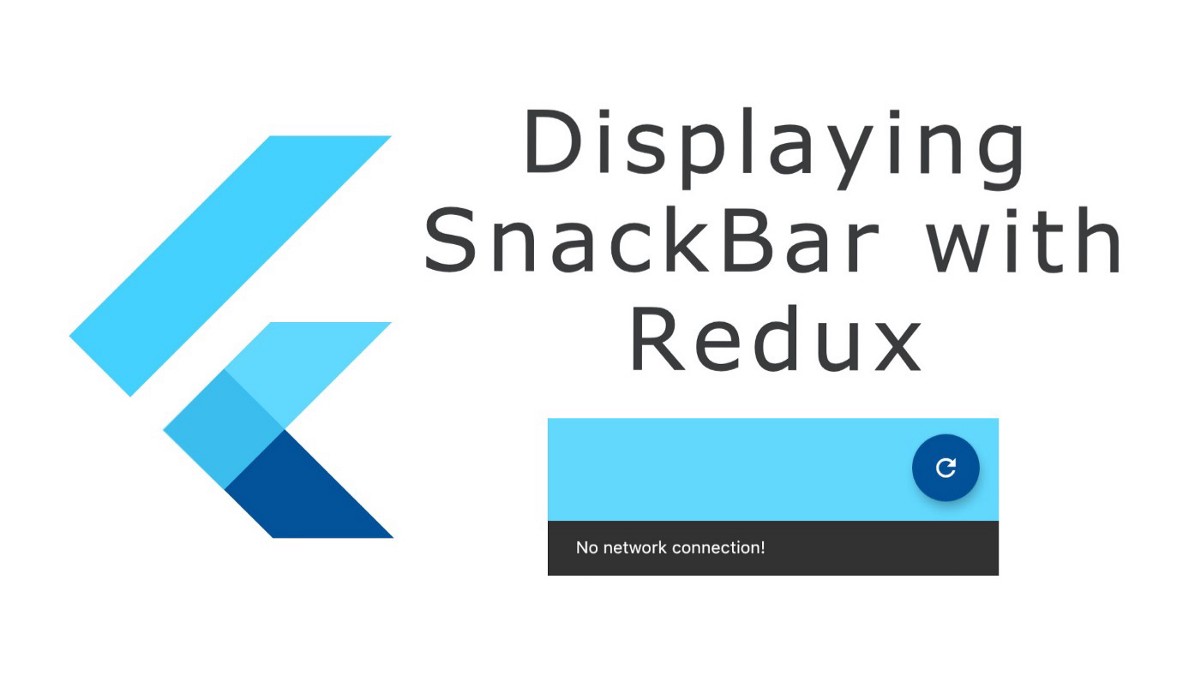 Article 4 min read
Flutter: Displaying a toast notification (SnackBar) in Redux flow
The articles demonstrates how you can display a toast notification (SnackBar) in your Flutter + Redux solution.
Read on medium.com- Article 13 min read
How to implement Android runtime permission flow in Flutter
Many Android apps require what Android deems a dangerous permission. For example using the camera, adding an event to the user calendar, or reading the user contacts. Previously, Android used to ask f...
Read on cogitas.net


