
How to Handle Keyboard Input in Flutter Games
by Tyler Codes youtube.com
20 min 584 views
🕹️ Ready to create your own top-down style game (think RPG)? In this tutorial, we'll dive into Flutter and the powerful 🔥 Flame game engine to build an awesome game from scratch. In this video, we'll add keyboard controls to move our player around our world. No collision detection yet, but we'll tackle that next. = = = Source code: https://github.com/tylersavery/flutter-flame-tutorial/tree/part-3 Game assets: https://cupnooble.itch.io/sprout-lands-asset-pack Tiled App: https://thorbjorn.itch.io/tiled Flame Docs: https://docs.flame-engine.org/latest/ Flame Tiled: https://pub.dev/packages/flame_tiled
Topics Flame and games
More like this
 Article 8 min read
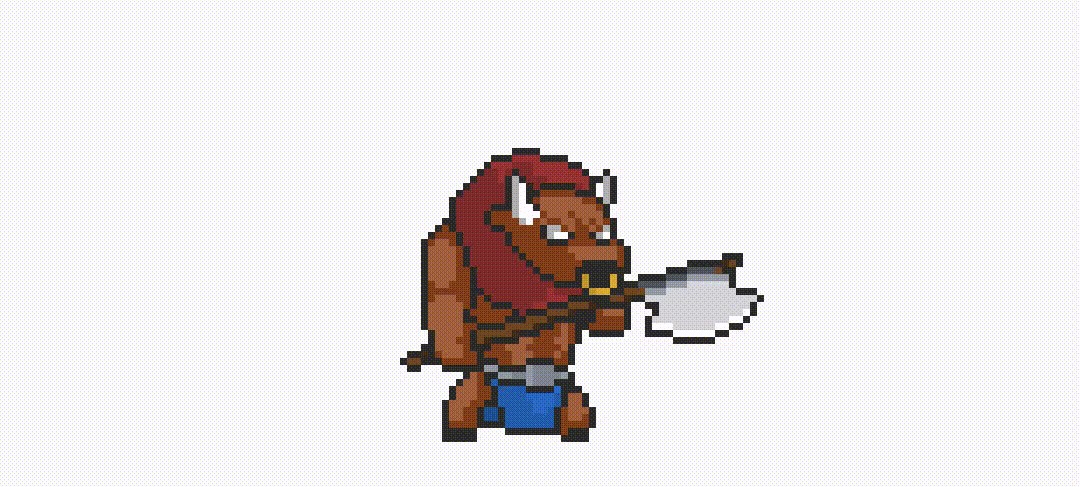
Sprite Sheet Animations in Flutter
by Luan Nico
How to create cool sprite sheet animations using flame, the game engine for Flutter
Read on medium.com Article 4 min read
Advanced Animation with Flutter Flame Engine — Ep.1 Sprite Sheet
by Amorn Apichattanakul , on Flutter ProAmorn Apichattanakul @benamorn 🇹🇭 ThailandExperienced in mobile applications for over 11 years. I have developed 20 iOS mobile apps, 4 Android, and 10+ responsive websites. My main focus is to implement...
View Amorn on Flutter ProI did research on how to put games inside Flutter and found a famous lib for Flutter called “Flame Engine.”
Read on medium.com
 Video 33 min
Kickstart Your Game Development in Flutter: Dive into Flame & Tiled [Part 1]
by Tyler Codes
Watch on YouTube


