Flutter URL Launcher | Opening URLs in Web Browser and In App WebView
by HeyFlutter․com youtube.com
4 min 36.7k views

Learn how to use the Flutter URL Launcher to open URLs in the web browser or within an App WebView. This tutorial covers the steps to implement URL handling on Android and iOS platforms in your Flutter apps. 👉 12 Week Flutter Training | https://heyflutter.com 👉 Flutter Masterclass Courses | https://heyflutter.com/masterclass Source Code: https://github.com/JohannesMilke/url_launcher_iii_example Twitter: https://twitter.com/HeyFlutter_ Facebook: https://www.facebook.com/heyflutter Instagram: https://instagram.com/HeyFlutter_ LinkedIn: https://www.linkedin.com/company/heyflutter/ Website: https://heyflutter.com #Flutter #Tutorial #HeyFlutter Thanks For Watching :-)
More like this
- Library
Flutter launcher icons
Flutter Launcher Icons - A package which simplifies the task of updating your Flutter app's launcher icon. Fully flexible, allowing you to choose what platform you wish to update the launcher i...
View on github.com 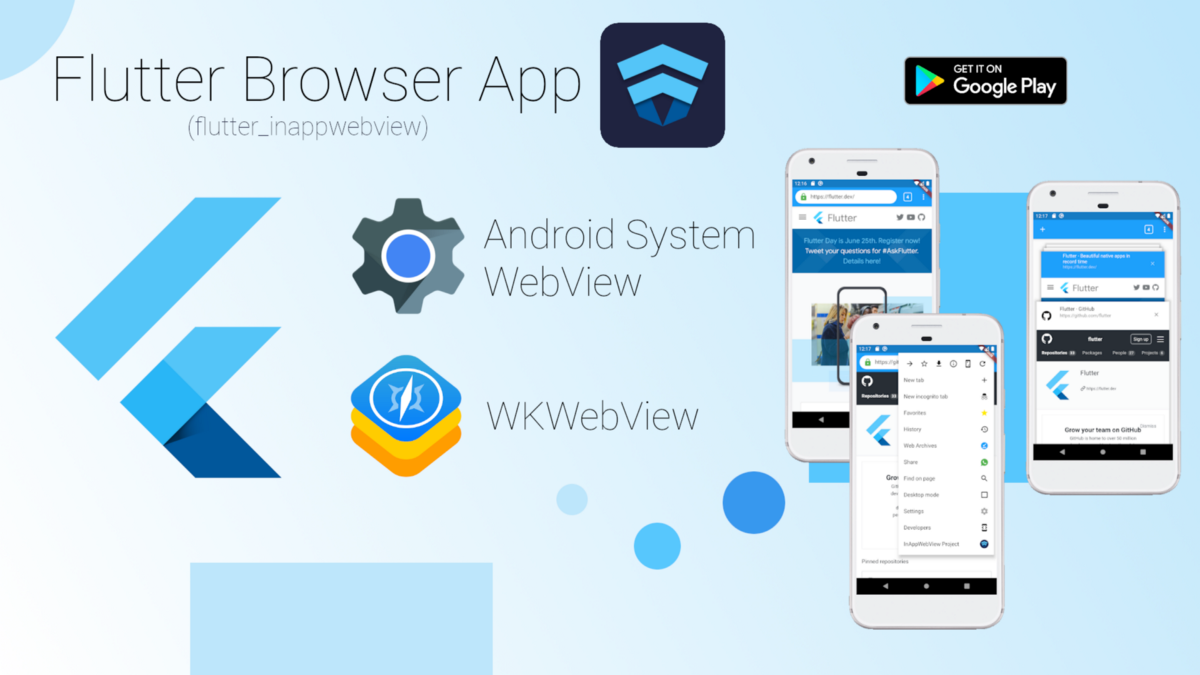 Article 12 min read
Creating a Browser using WebViews in Flutter
 by
Lorenzo Pichilli
, on Flutter Pro
Lorenzo Pichilli
@lorenzopichilli 🇮🇹 Italy
by
Lorenzo Pichilli
, on Flutter Pro
Lorenzo Pichilli
@lorenzopichilli 🇮🇹 Italy
I'm a Software Engineer mostly focused on Web (FullStack) and Mobile Development. JavaScript, TypeScript & Flutter enthusiast 💙. I love open-source: check ou...
View Lorenzo on Flutter ProIn this article, I’m going to show how to create a full-featured mobile Browser App such as the Google Chrome mobile browser using the…
Read on medium.com