
Today we’re building an onboarding page indicator Widget in Flutter that displays a dot for each page, and an indicator that jumps between dots as the user scrolls between pages. Steps: 0:00 Welcome 1:07 Create dots 19:33 Indicator dot 26:43 Indicator movement 34:53 Indicator stretching This Widget Workshop was inspired by the following design on Dribbble: https://dribbble.com/shots/4640768-Jelly-Indicator ---- Follow: @SuprDeclarative Learn Flutter: school.superdeclarative.com Blog: blog.superdeclarative.com Website: superdeclarative.com
More like this
 Article 20 min read
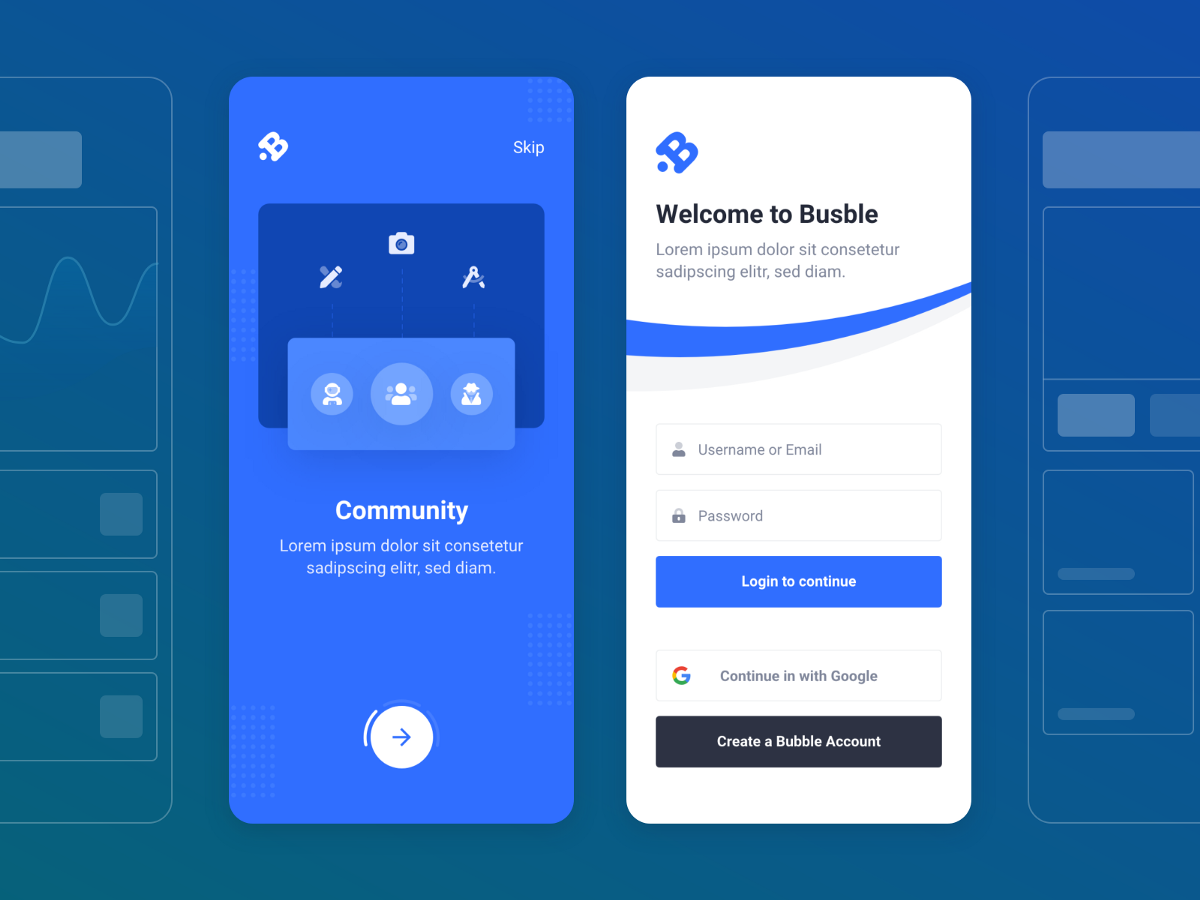
Flutter design challenge: onboarding concept
by Mangirdas Kazlauskas , on Flutter ProMangirdas Kazlauskas @mkobuolys 🇱🇹 LithuaniaFull-Stack Software Engineer by day, Flutter Enthusiast and Content Creator @Medium by night.
View Mangirdas on Flutter ProA complete thought process on how to convert the design into code using Dart + Flutter
Read on uxdesign.cc- Library
gonuit/flutter-custom-refresh-indicator
This package adds CustomRefreshIndicator widget that allows you to create whatever indicator you want.
View on github.com  Article 7 min read
How to Build a Modal Progress Indicator
Joe Ebright tutorial on how to create a modal progress indicator on Flutter.
Read on codingwithjoe.com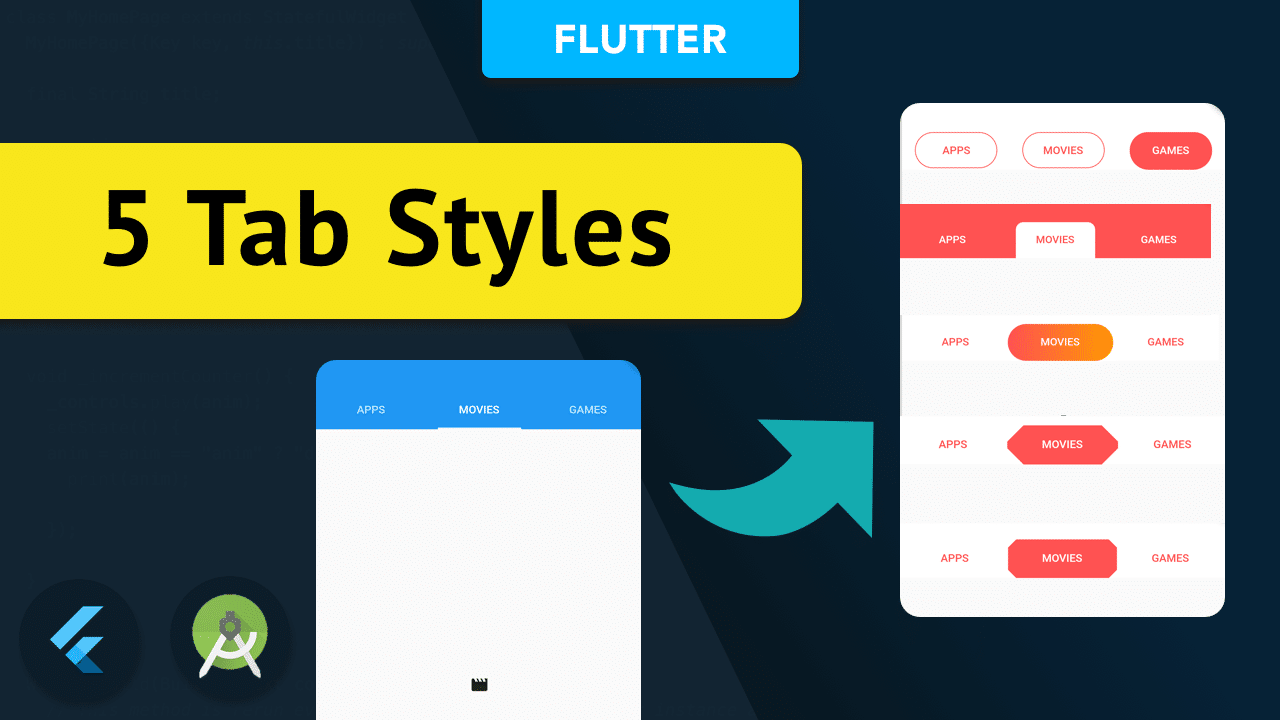 Article 5 min read
Flutter Boring tab to Cool tab
by @ishanfx
Show the way of modifying the flutter tab indicator with the app . Contain 5 different tab styles for the flutter app projects.
Read on mightytechno.com