
So, you've discovered Flutter and now you're about to create the next big app. But how are you going to do that when you get stuck trying to convert a Map to a List? In this series, we take a look at some of the important basics that exist in Flutter. To kick it off, we're looking at collections in Dart, namely, List, Map and Set. We look at what they accomplish, and how you can use them in your code. I hope you enjoy! And don't forget to like and subscribe if this video helped you ☺️. https://www.buymeacoffee.com/flutterscratch 00:00 - Intro 01:10 - Lists 02:25 - Conditionals within Lists 02:55 - Spread operator 03:21 - Practical example 04:00 - Coding - Conditional Widget 04:39 - Coding - Spread Operator 05:52 - Maps 07:15 - Sets
Topics Maps and location
More like this
 Video 11 min
Ubuntu : un oubli sur le nouvel installateur (Flutter) 🤯 Nouveautés Maps (Pollen…) 🍀 DevCafé 30/08
DevCafé ☕️ résume tous les matins les principales informations à retenir autour de l’actualité du développement. 💙 Vous préférez écouter l’émission au format podcast audio ? Soutenez DevCafé sur Pat...
Watch on YouTube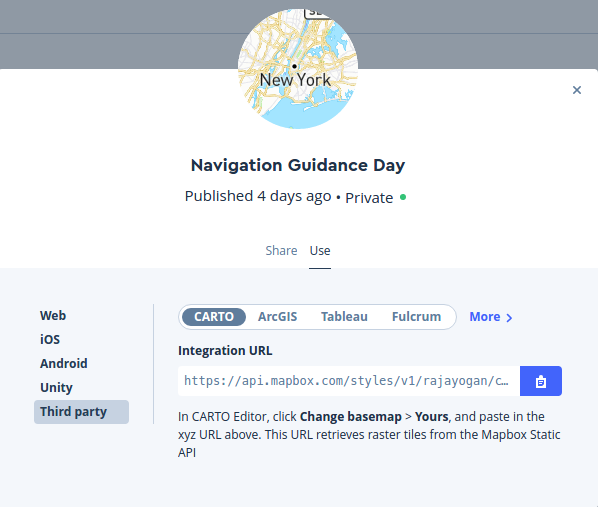 Article 8 min read
Flutter – Mapbox and Polylines
Hi Friends, Hope you are all well. In this post let’s talk about bringing maps from a Map service provider called Mapbox and drawing Polylines on the maps. To learn the basics of flutter get …
Read on tphangout.com Article 4 min read
Creating Custom Markers on Google Maps in Flutter Apps
by Josip Krnjić
When it comes to showing maps in your Flutter application, there are two main options. You can either use flutter_map which is a Leaflet implementation for Flutter and will work with a number of free...
Read on infinum.com Article 7 min read
Maps in Flutter
by Matthew Smith
At AppTree, we recently made the jump to Flutter to replace our existing iOS and Android applications. A major part of our application is…
Read on medium.com


