Flutter : Creating Drawers With Multi Page Applications
by CodesBay youtu.be
15 min 5.2k views

Note: After Re-Branding 9Lean is now CodesBay -------------------------------------------------------------------------------- Flutter is a mobile App SDK by Google which helps in creating modern mobile apps for iOS and Android using a single(almost) code base. Unlike other frameworks like ReactNative, it uses Dart and not the JavaScript as a programming language. Drawers are the hidden side screen which occupies half of the screen and displays itself on user actions. If you've ever used Twitter / GMail apps, the side screen with options like folder / profile selection etc are the Drawers This video also details about how we can use Drawers in flutter for navigational purpose in a Multi Page Applications Hope it helps you in learning something new.. enjoy! Please take a moment to Like! Subscribe! and Comment! Your actions will keep me going Want to get more, Connect me @ Youtube: https://www.youtube.com/CodesBay Twitter: https://twitter.com/CodesBay Facebook: https://www.facebook.com/CodesBay instagram: https://www.instagram.com/CodesBay Github: https://github.com/CodesBay Pinterest: https://in.pinterest.com/CodesBay Tumblr: https://CodesBay.tumblr.com Web: http://www.CodesBay.com #flutter #flutterio #mobileapps #AndroidDev #iOSDev #appdevelopment
More like this
 Article 7 min read
Flutter: Creating Drawers
by Deepak K [Daksh] Gupta
Flutter is a mobile App SDK by Google which helps in creating modern mobile apps for iOS and Android using a single(almost) code base. It’s…
Read on proandroiddev.com Article 4 min read
Flutter VI: Navigation Drawer
by Chema Rubio
Material Design applications, are used to handle navigation using tabs or drawers. Why drawers ? They are handy when lots of items need to…
Read on medium.com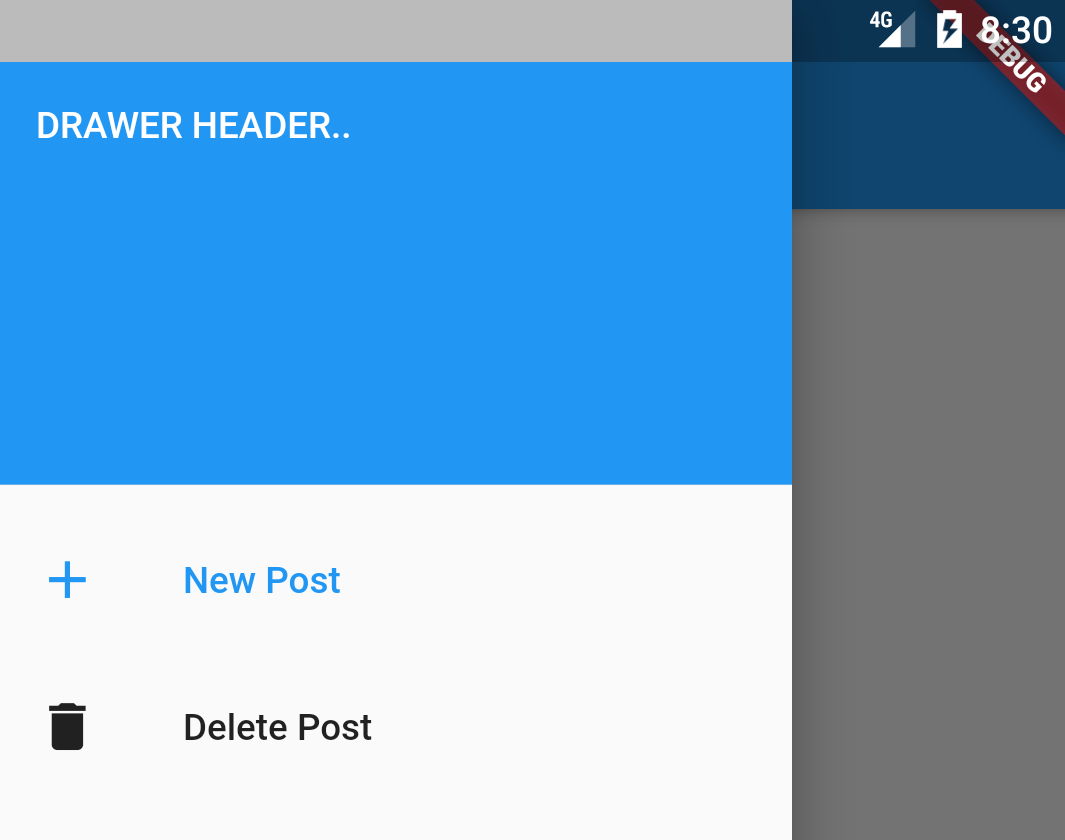 Article 3 min read
Flutter Drawers done right
Flutter drawer with PageView
Read on usejournal.com