(Ep 31) Display Location Image Using Google Places Photo API
by 1ManStartup youtube.com
20 min 13k views
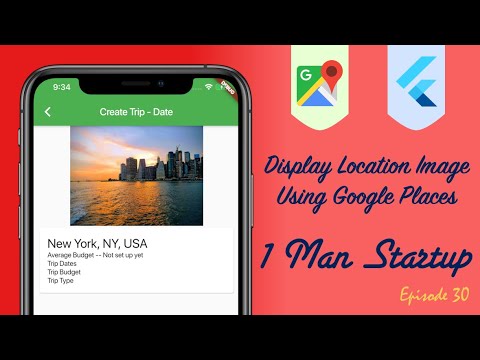
In this episode we’ll see how to use place details returned from a Google places API location search to display an image of the selected place. This video picks up where pervious episodes left off so make sure you have seen those. Check out this playlist for all Google places API videos https://www.youtube.com/playlist?list=PL_D-RntzgLvbhv28GXs0bO8wu84_mnyWV Complete Code on GitHub: https://github.com/davefaliskie/travel_budget/tree/episode_31 If you enjoy the videos, consider supporting the channel: https://www.paypal.com/paypalme2/1manstartup Useful Links: Places Details: https://developers.google.com/places/web-service/details Places Photos: https://developers.google.com/places/web-service/photos #googlePlaces #googleAPI #startup
More like this
 Article 5 min read
Working with Geolocation and Geocoding in Flutter (And Integration with Maps)
 by
Deven Joshi
, on Flutter Pro
Deven Joshi
@devenjoshi 🇺🇸 United States
by
Deven Joshi
, on Flutter Pro
Deven Joshi
@devenjoshi 🇺🇸 United States
Available for hire
Flutter developer | #Hack19 Winner | Technical writer | Speaker
View Deven on Flutter ProA guide to working with location and integrating it with Google Maps
Read on medium.com- Article 14 min read
Sharing Location using Inherited Widget
by Brian Armstrong
Sometimes you need to use a location from multiple routes/widgets within your app. Instead of having to set up and manage the location [https://pub.dartlang.org/packages/location] plugin in all these...
Read on flutter.institute