

In this episode, we'll look at how we can draw the UI for our Flutter app, and some of the key differences between a framework that uses View Binding and Flutter. If you've come from another framework like Xamarin Forms (XAML) or even Angular (HTML), this can help you fast-track your understanding of how UI's work in Flutter. I hope you enjoy 😊 00:00 Intro 00:53 Why does it matter? 02:07 Example app - View Binding 04:25 Example app - Flutter 05:43 Flutter UI - Line by Line Explanation 07:34 Flutter UI - FutureBuilder 09:18 Flutter UI - GridView 10:22 Flutter UI - InkWell 11:35 Flutter UI - Card 11:46 Flutter UI - Stack 12:33 Recap 14:25 Next Episode Preview #flutter #flutterdev #flutterdevelopers #flutterfromscratch
Topics Forms and validation
More like this
- Article 20 min read
Flutter for Xamarin.Forms Developers
Learn how to apply Xamarin.Forms developer knowledge when building Flutter apps.
Read on flutter.io 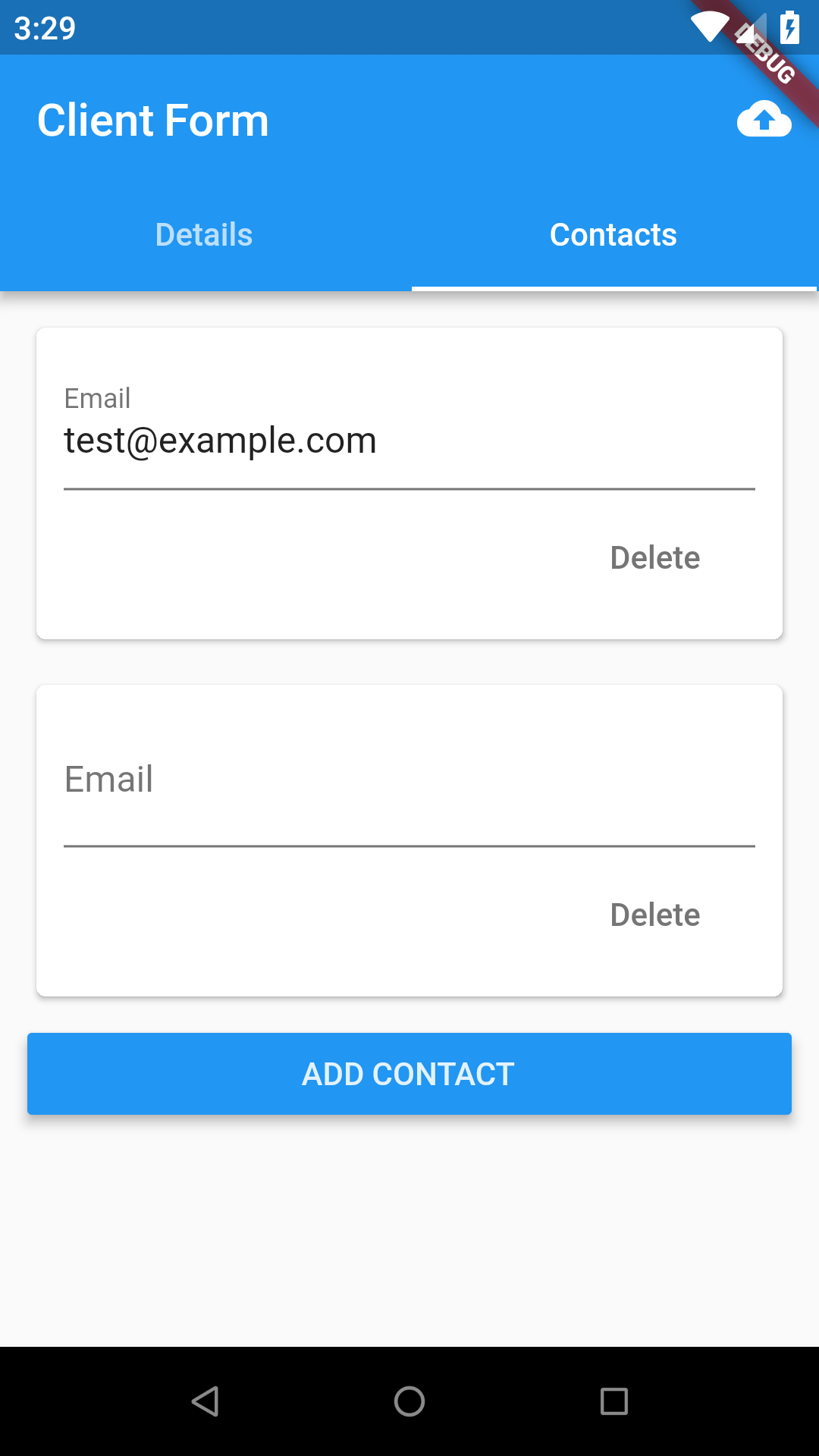 Article 4 min read
Flutter: Using Redux to manage complex forms with multiple tabs and relationships
The full code for this post can be found here. In my last post I described how we’re using keys to manage the state of complex forms. Although the implementation works having any state outsid…
Read on hillelcoren.com Article 3 min read
Flutter 2: Dynamic Drawer List, Stateful Widgets, Forms and Validation
by Aravind Vemula
We have completed implementation of Navigation Drawer and Routing in the previous article. In this article we will see implementation of…
Read on medium.com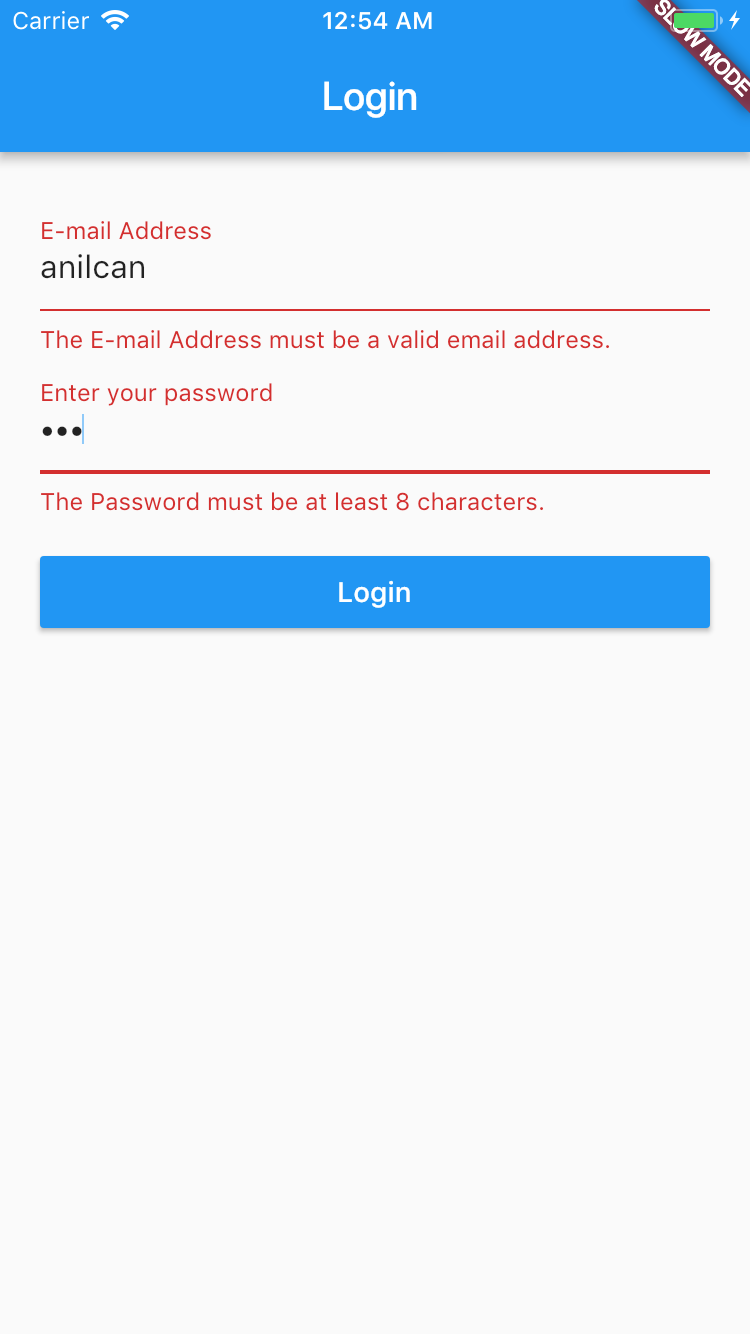 Article 2 min read
Forms in Flutter
by Anılcan Çakır
Today, I’ll give some examples for creating forms in flutter. If you don’t know Flutter, you can start in here. The Flutter is a mobile SDK…
Read on medium.com


