
Beginning Flutter Understanding the Widget Tree
by JediPixels youtube.com
6 min 10k views
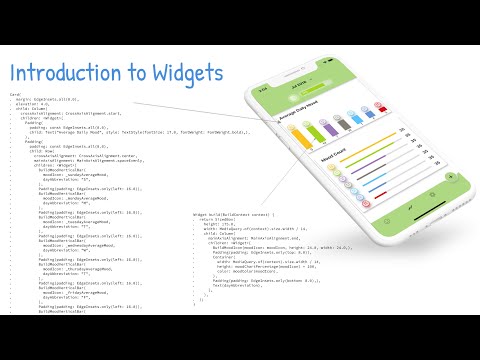
In this video you are going to take a look at: - The fundamentals of widgets - How to use a full widget tree - How to use a shallow widget tree - Refactoring with a Constant - Refactoring with a Method - Refactoring with a Widget Class The widget tree is how you create your UI; you position widgets within each other to build simple and complex layouts. Since just about everything in the Flutter framework is a widget, and as you start nesting them, the code can become harder to follow. A good practice is to try to keep the widget tree as shallow as possible. To understand the full effects of a deep tree, you’ll look at a full widget tree and then refactor it into a shallow widget tree, making the code more manageable. You’ll learn three ways to create a shallow widget tree by refactoring: with a constant, with a method, and with a widget class. Looking for Updates: https://JediPixels.dev Beginning Flutter Book: https://www.amazon.com/Beginning-Flutter-Hands-Guide-Development/dp/1119550823 Subscribe: https://www.youtube.com/JediPixels?sub_confirmation=1 Twitter: https://twitter.com/JediPixels
More like this
 Article 11 min read
The Layer Cake
How Flutter uses Widgets, Elements and RenderObjects to create delicious eye-candy at 120fps.
Read on medium.com Article 21 min read
Flutter internals
by Didier Boelens
Flutter - How does Flutter actually work, internally? What are Widgets, Elements, BuildContext, RenderOject, Bindings… Difficulty: Beginner
Read on didierboelens.com


